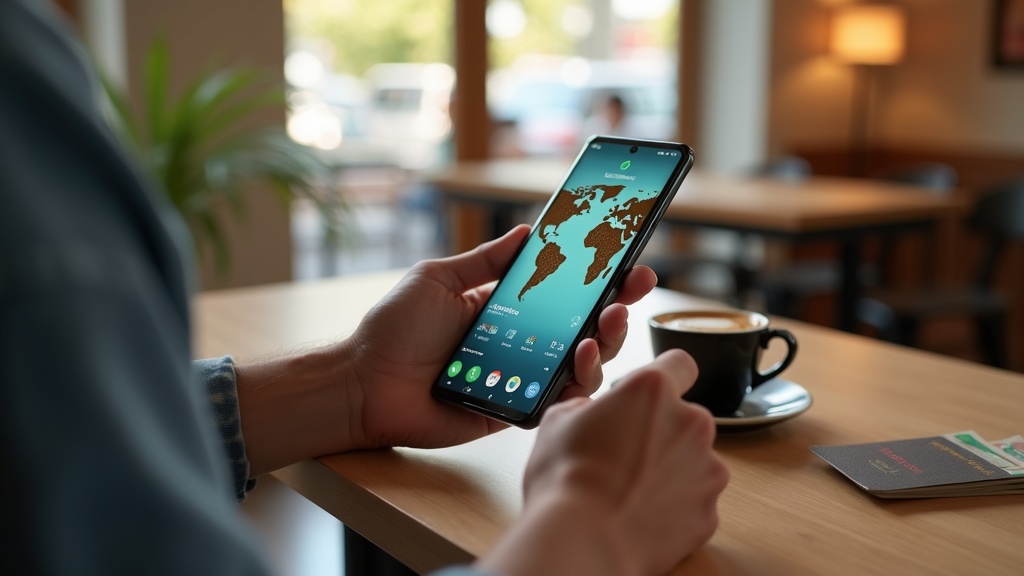
Your Samsung Galaxy S25 is a powerful tool for communication, work, and entertainment, but it’s also a magnet for digital threats. Using a VPN on your Android phone is no longer optional—it’s essential for protecting your personal data from hackers, advertisers, and even your own internet provider. This guide will show you how to set up a VPN on your Galaxy S25, explain why it’s critical for privacy, and help you choose a service that keeps you safe without slowing you down.
- Why every Galaxy S25 owner needs a VPN for privacy and security
- How to install and configure a VPN on your Android device
- Our top recommended VPNs optimized for Samsung phones
Why Your Samsung Galaxy S25 Needs a VPN
Your phone is with you everywhere: at home, on public Wi-Fi, at the coffee shop. Each connection is a potential risk. A VPN encrypts your internet traffic, making it unreadable to anyone trying to snoop. Whether you’re banking, browsing, or just scrolling social media, a VPN ensures your data stays private. It also helps you access content that might be restricted in your region, giving you more freedom online.
How to Set Up a VPN on Your Galaxy S25
Installing a VPN on your Samsung phone is straightforward. Most top services offer dedicated Android apps available on the Google Play Store. Here’s a quick step-by-step:
- Choose a reputable VPN provider—we recommend starting with NordVPN for its balance of speed and security.
- Download the app from the Play Store and install it.
- Open the app, sign in, and connect to a server with one tap.
Many VPNs also offer customizable settings, like enabling a kill switch or choosing specific protocols for better performance.
Manual Configuration Options
If you prefer, you can set up a VPN connection manually through your phone’s settings. Go to Settings > Connections > More connection settings > VPN. From here, you can add a new VPN profile by entering details provided by your VPN service. While manual setup offers more control, using a dedicated app is easier and often more feature-rich.
Top VPN Choices for Samsung Galaxy S25
Not all VPNs work well on Android. You need a service that offers fast speeds, strong encryption, and an intuitive interface. Based on our testing, these are the top picks for your Galaxy S25:
- ExpressVPN: Blazing-fast speeds and reliable performance, ideal for streaming and browsing.
- Surfshark: Budget-friendly with unlimited device connections—great for protecting your whole household.
- NordVPN: Excellent security features and a large server network, perfect for privacy-focused users.
Each of these services offers a risk-free trial period, so you can test which one works best with your device and usage habits.
Common VPN Issues and How to Fix Them
Sometimes, even the best VPNs can run into issues on Android. If your connection is slow, try switching to a closer server. If the VPN won’t connect, check your internet connection or restart the app. Battery drain can occasionally occur, but most modern VPN apps are optimized to minimize impact. Always keep your VPN app updated to avoid compatibility problems.
Maximize Your Phone’s Privacy with a VPN
A VPN is one part of a broader privacy strategy. Combine it with other good habits, like using strong passwords, enabling two-factor authentication, and regularly updating your phone’s software. For more tips, explore our privacy guides to learn how to stay safe online.
Best VPN This Month
Looking for a top pick? NordVPN is our favorite for Samsung Galaxy S25 users this month thanks to its combination of speed, security, and ease of use.
Your Samsung Galaxy S25 deserves protection. With a reliable VPN, you can browse, stream, and bank with confidence, knowing your data is secure. Don’t wait until your privacy is compromised—take action now to safeguard your Android device.
Ready to enhance your phone’s security? Get started with NordVPN today and enjoy peace of mind with every connection.





Join the discussion
Have a question or a fix to add? Share it below.