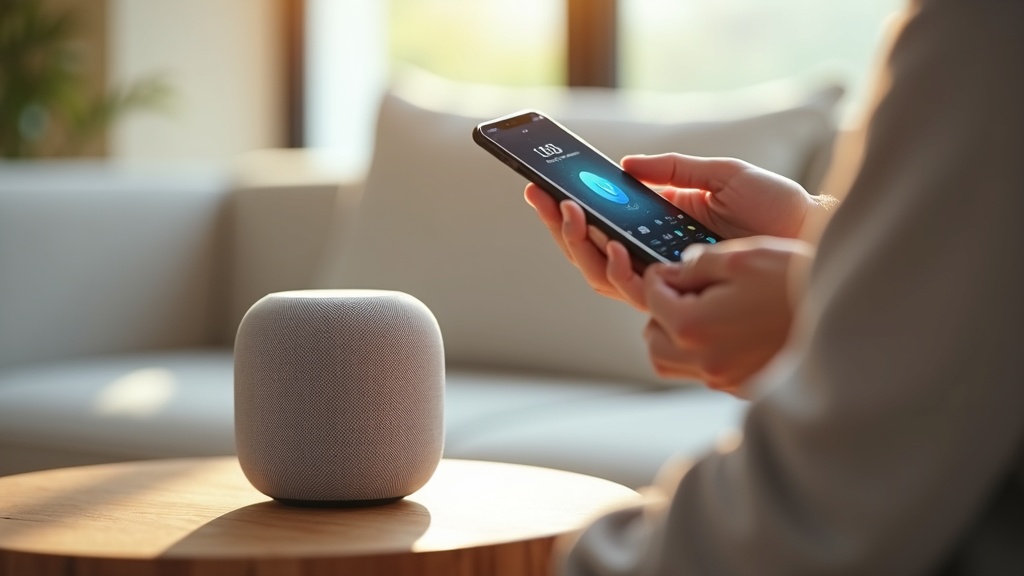
Your Apple HomePod Mini is always listening, but who else might be eavesdropping? While Apple champions privacy, your smart speaker still connects to the internet, creating potential vulnerabilities in your home network. Using a VPN on Apple HomePod Mini is the definitive way to encrypt that connection and shield your voice commands, smart home routines, and personal data from prying eyes. This guide will show you exactly how to extend VPN protection to your HomePod, ensuring your smart speaker privacy is locked down.
- Why your HomePod Mini needs a VPN for complete privacy
- Step-by-step methods to install a VPN on your home network
- The best VPN services for securing all your smart devices
Why Your HomePod Mini Needs a VPN
Your HomePod Mini processes requests through Apple’s servers, which are encrypted, but the journey from your router to those servers is not always secure. Without a VPN, your Internet Service Provider (ISP) can see when your device is online and what services it's connecting to. On a public or shared network, this lack of encryption could expose your smart home’s digital footprint. A VPN encrypts all internet traffic from your router, making it impossible for your ISP or anyone else on the network to monitor your HomePod's activity.
What Data Could Be at Risk?
Think about the commands you give your HomePod: setting reminders, reading messages, controlling smart locks, or playing music. This data paints a detailed picture of your daily life and habits. While Apple anonymizes much of this data, the initial connection is a weak point. A VPN on Apple HomePod Mini closes this loophole, ensuring that every bit of data sent and received is wrapped in a layer of powerful encryption.
How to Set Up a VPN for Apple HomePod Mini
Since you cannot install a VPN application directly on the HomePod itself, the solution is to install the VPN on your router. This method protects every device connected to your Wi-Fi, including your HomePod Mini, smart TVs, phones, and laptops. It’s a whole-home privacy solution.
Option 1: Use a VPN-Compatible Router
The most robust method is to use a router that supports VPN client functionality natively. Many modern routers from brands like Asus, Netgear, and Linksys offer this feature. You simply log into your router’s admin panel, enter the credentials provided by your VPN service, and activate the connection. Once enabled, all traffic passing through the router is automatically encrypted.
Option 2: Configure a VPN on a Supported Router
If your current router doesn’t support VPNs, you can flash it with custom firmware like DD-WRT or Tomato. This process gives a standard router advanced features, including VPN client capability. It requires some technical know-how, but detailed guides are available from most VPN providers to help you through the process.
Option 3: Use a VPN-Enabled Virtual Router
For a simpler, software-based approach, you can use a computer on your network to share its VPN connection. First, connect your Windows PC or Mac to a VPN. Then, use the operating system’s built-in internet sharing feature to create a new, secure Wi-Fi network. Connect your HomePod Mini to this new network, and its traffic will be routed through the VPN on your computer.
Choosing the Best VPN for Your Smart Home
Not all VPNs are well-suited for router installation. You need a service that offers strong security, fast speeds for uninterrupted streaming and commands, and reliable connections. Based on our testing, these providers excel in protecting smart home ecosystems.
Best VPN this month: For its unbeatable combination of speed, security, and router support, ExpressVPN is our top pick for securing your HomePod Mini.
Top VPN Recommendations
- ExpressVPN: Offers easy router applet installation, lightning-fast speeds, and a strict no-logs policy, making it ideal for bandwidth-intensive smart homes.
- NordVPN: Features robust security with Double VPN and Threat Protection, and provides detailed guides for setting up on various routers.
- Surfshark: A budget-friendly option that offers unlimited simultaneous connections, perfect for protecting an entire house full of devices.
Potential Drawbacks and Considerations
While the privacy benefits are significant, routing all your traffic through a VPN can sometimes slightly reduce internet speed due to the encryption process. For most high-quality VPNs, this drop is negligible and won’t affect voice commands or music streaming. You may also need to check if certain local services or smart home features that rely on your geographic location work correctly while the VPN is active.
Take Control of Your Smart Speaker Privacy Today
Your smart home should make life easier, not create new privacy concerns. By setting up a VPN on your router, you can enjoy the convenience of your Apple HomePod Mini without sacrificing security. The process is a one-time setup that delivers continuous protection for every device on your network.
Don’t leave your digital life exposed. Secure your Apple HomePod Mini with ExpressVPN now and encrypt your entire smart home in minutes. For more guides on securing all your devices, explore our dedicated devices section.





Join the discussion
Have a question or a fix to add? Share it below.