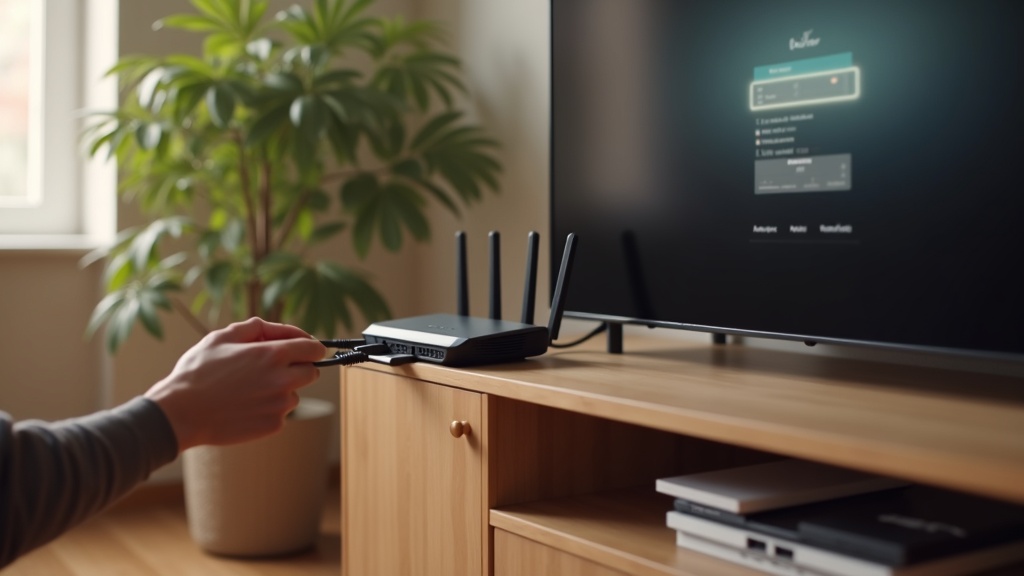
Your Roku Ultra is supposed to deliver seamless Netflix binges, but constant VPN connection drops can turn movie night into a troubleshooting session. This guide will help you stabilize your VPN and stop those frustrating interruptions for good. We'll cover the specific reasons why connection drops happen with Roku and provide clear, step-by-step solutions to get your streaming back on track.
What you’ll learn:
- Why your VPN keeps disconnecting from your Roku Ultra.
- Step-by-step methods to create a stable, permanent VPN connection.
- How to choose a VPN that works reliably with Netflix.
Why Your VPN Keeps Dropping on Roku Ultra
Roku devices, including the Ultra model, don't natively support VPN apps. This fundamental limitation is the root cause of most connection drops. To use a VPN, you must install it on your router or share a connection from a computer. This extra step introduces more potential points of failure compared to using a VPN directly on a phone or laptop.
Common culprits for these connection drops include an overloaded VPN server, aggressive VPN-blocking technology from Netflix, or an unstable internet connection from your Internet Service Provider (ISP). When Netflix detects a VPN IP address, it can forcefully terminate the stream, making it appear as if your VPN has failed.
Netflix's Aggressive Geo-Blocking
Netflix invests heavily in technology to identify and block VPN traffic. When it flags a VPN server's IP address, it doesn't just show an error message; it can cause a complete stream termination. This often feels identical to a VPN disconnection, but it's actually Netflix severing the link on its end. A quality VPN service continuously refreshes its pool of IP addresses to stay ahead of these blocks.
How to Permanently Fix VPN Connection Drops
Fixing these issues requires a systematic approach. The goal is to create a VPN connection that is as direct and stable as possible for your Roku Ultra.
1. Install the VPN on Your Router
This is the most effective method. By installing the VPN directly on your Wi-Fi router, every device on your network—including your Roku Ultra—is automatically protected. It eliminates the need for connection sharing and provides a single, stable point of VPN access. Check if your router is compatible with VPN firmware like DD-WRT or if your VPN provider offers a dedicated router app.
Once configured, your Roku will have a consistent VPN connection without any extra software or setup on the device itself. This method drastically reduces the chances of connection drops.
2. Use a Ethernet Connection for Your Roku
If you're using Wi-Fi, even a minor signal fluctuation can cause a VPN to drop. Switch to a wired connection by plugging an Ethernet cable directly from your router to your Roku Ultra. A physical cable provides a more stable and faster internet connection, which is crucial for maintaining a consistent VPN link during high-definition streaming.
3. Change Your VPN Server
If you experience connection drops, the specific server you're connected to might be overcrowded or temporarily flagged by Netflix. Open your VPN app (on your router or computer) and connect to a different server in the same country. Premium VPNs offer hundreds of servers, giving you plenty of alternatives if one is underperforming.
Choosing a VPN That Minimizes Connection Drops
Not all VPNs are built for this task. To avoid connection drops with Netflix on Roku, your VPN needs three key features:
- Proven Netflix Compatibility: It must consistently unblock Netflix libraries without being detected.
- Router Support: The provider should offer clear guides or even pre-configured routers for easy setup.
- Stable, High-Speed Servers: A large network of fast servers prevents overcrowding and maintains a steady connection.
Best VPN this month: For a rock-solid connection that rarely drops, ExpressVPN is a top contender. Its reliable performance and dedicated router app make it one of the easiest VPNs to set up for Roku.
Other excellent options include NordVPN, known for its massive server network and SmartDNS feature, and Surfshark, which offers unlimited simultaneous connections, perfect for protecting every device in your home.
Advanced Troubleshooting: When Basic Fixes Aren't Enough
If you've tried the steps above and are still facing connection drops, it's time to look deeper.
Check Your VPN Protocol
Your VPN connection uses a protocol, which is like a set of rules for how your data is transmitted. Some older protocols are less stable. In your VPN app settings, try switching to a modern protocol like WireGuard or OpenVPN (UDP). These are designed for better speed and stability, which can resolve persistent dropping issues.
Restart Your Hardware
It sounds simple, but power cycling your modem, router, and Roku Ultra can clear out temporary glitches and network congestion. Turn everything off, wait 60 seconds, and then power them back on. This refreshes your connection to your ISP and can often resolve unexplained connection drops.
Secure Your Streaming and Stop the Drops
Dealing with constant VPN connection drops on your Roku Ultra is a solvable problem. The key is to bypass the device's limitations by installing the VPN on your router and choosing a provider built for streaming. By creating a stable foundation, you can enjoy buffer-free access to global Netflix libraries without interruption.
Ready for a seamless streaming experience? Get a VPN that keeps you connected and explore our full streaming guides for more tips.





Join the discussion
Have a question or a fix to add? Share it below.