Nothing ruins a Black Ops 6 session faster than rubberbanding across the map because of high ping. This frustrating lag can turn a potential win into a frustrating defeat, and if you're using a VPN, you might be quick to blame it. The good news is that you can fix this. This guide will help you diagnose and solve the specific network issues causing high ping and packet loss on your PS5, ensuring your VPN works for you, not against you.
What you’ll learn:
- Why your VPN might be causing high ping and how to troubleshoot it.
- Optimal PS5 and router settings for a stable, low-latency connection.
- How to choose a gaming-optimized VPN to actually improve your experience.
Why Is My Ping So High with a VPN?
High ping, measured in milliseconds (ms), is the delay between your action and the game server's response. When you use a VPN, your internet traffic takes a detour through a remote server before reaching the game server. This extra journey adds distance, and distance adds latency. If that VPN server is overcrowded, poorly maintained, or simply located on the other side of the country, your ping will skyrocket. The key is not to ditch the VPN, but to optimize its use for the low-latency demands of Call of Duty.
Common Causes of VPN-Induced Lag
Several factors can turn your smooth gaming experience into a slideshow. Server load is a big one; a popular VPN server can become a bottleneck. The physical distance between you, the VPN server, and the game server is another major contributor. Furthermore, some VPN protocols prioritize security over speed, which can introduce unnecessary lag. Even your own home network setup, like using Wi-Fi instead of a wired connection, can compound these issues and lead to packet loss, where data fails to reach its destination entirely.
Step-by-Step Guide to Fix High Ping on PS5
Before you throw your controller, run through these troubleshooting steps. A methodical approach will help you pinpoint the exact cause of your high ping.
1. Test Your Connection Without the VPN
First, establish a baseline. Disconnect your PS5 from the VPN and run an internet connection test from the console's settings. Note the ping/latency result. This is your optimal, direct-connection ping. If this number is already high, the issue might be with your ISP or local network, and you should check out our general gaming connectivity guides.
2. Choose a Closer, Gaming-Optimized VPN Server
This is the most impactful fix. Always connect to the VPN server geographically closest to you, and ideally, closest to the Black Ops 6 game server you play on. Many top-tier VPNs now have specialized gaming or low-latency servers. For instance, NordVPN offers its Meshnet feature and dedicated low-latency servers that can provide a more direct route to your game.
3. Change Your VPN Protocol
VPN protocols are the methods used to secure your connection. Some, like OpenVPN, are very secure but can be slower. Others, like WireGuard®, are designed for modern speeds and lower latency. Check your VPN's application settings and switch to a lighter protocol like WireGuard or IKEv2/IPsec to see if it reduces your high ping.
4. Use a Wired Ethernet Connection
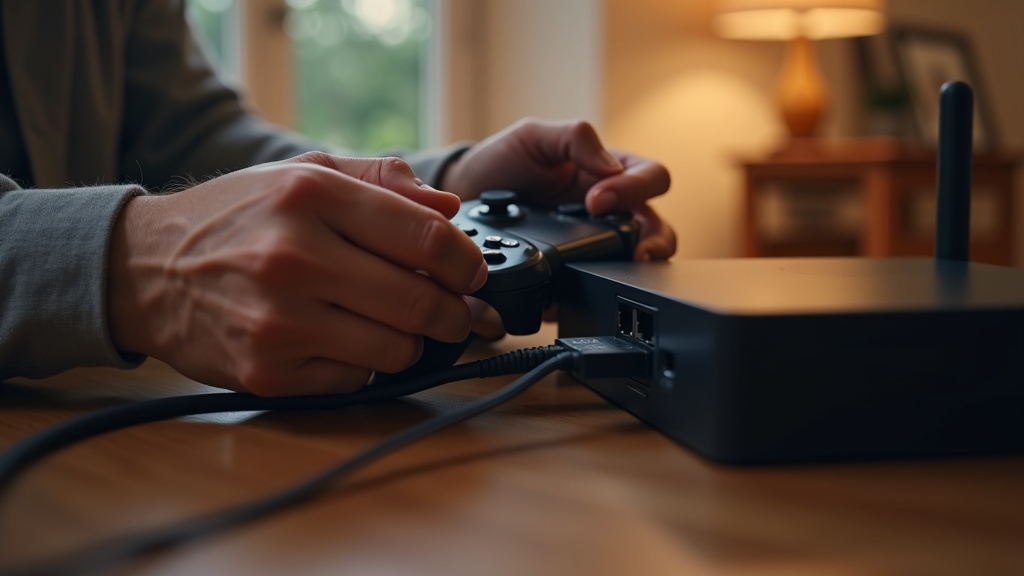
Wi-Fi is susceptible to interference from other devices, walls, and even your neighbor's network. This instability causes packet loss and jitter, which feels like lag. For competitive gaming, a wired Ethernet connection from your PS5 to your router is non-negotiable. It provides a stable, consistent connection that Wi-Fi simply can't match.
5. Forward Ports on Your Router
Port forwarding tells your router to prioritize traffic for specific applications, like Call of Duty. By forwarding the ports used by Black Ops 6 (you can find these on Activision's support site), you can create a more direct path for game data, potentially reducing ping and preventing NAT-related issues. This is an advanced step, so consult your router's manual.
Choosing the Best VPN for Gaming on PS5
Not all VPNs are created equal, especially for gaming. A service that's great for streaming might be terrible for Call of Duty. When selecting a VPN to fix high ping, look for these features:
- Extensive Server Network: Lots of servers means less load and a higher chance of finding one near you.
- Modern Protocols: Native support for WireGuard or similar lightweight protocols is essential.
- Speed and Reliability: Look for independent speed tests and a reputation for stable connections.
- Router Compatibility: Installing the VPN directly on your router protects every device on your network, including consoles that don't support native VPN apps.
Best VPN This Month for Gaming
For consistently low ping and stable connections in Black Ops 6, we recommend ExpressVPN. Its Lightway protocol is built for speed, and its global network of high-speed servers is optimized to minimize latency, making it a top choice for competitive gamers on PS5.
Advanced Tweaks for the Lowest Possible Ping
If you've tried everything and still need to squeeze out every millisecond, consider these advanced strategies.
Use a VPN with a Built-in Ping Test
Some VPN applications, like Surfshark, have a built-in ping tester for their servers. This allows you to quickly see the latency to each server before you connect, taking the guesswork out of finding the fastest option.
Set Up a Static Route
This is a more technical router configuration. You can set a static route that sends only your game traffic (to the specific IP addresses of Call of Duty servers) through your normal connection, while the rest of your traffic goes through the VPN. This requires knowing the game server IPs and some networking knowledge.
Stop Letting Lag Win
High ping in Black Ops 6 doesn't have to be a permanent problem. By understanding the causes and methodically applying these fixes—from choosing a closer server to switching to a wired connection—you can transform your gaming experience. The right VPN, configured correctly, can even protect you from DDoS attacks without sacrificing performance. Don't let network issues dictate your leaderboard position.
Take control of your connection today. Start with a premium VPN built for speed and experience a smoother, more secure Black Ops 6.





Join the discussion
Have a question or a fix to add? Share it below.