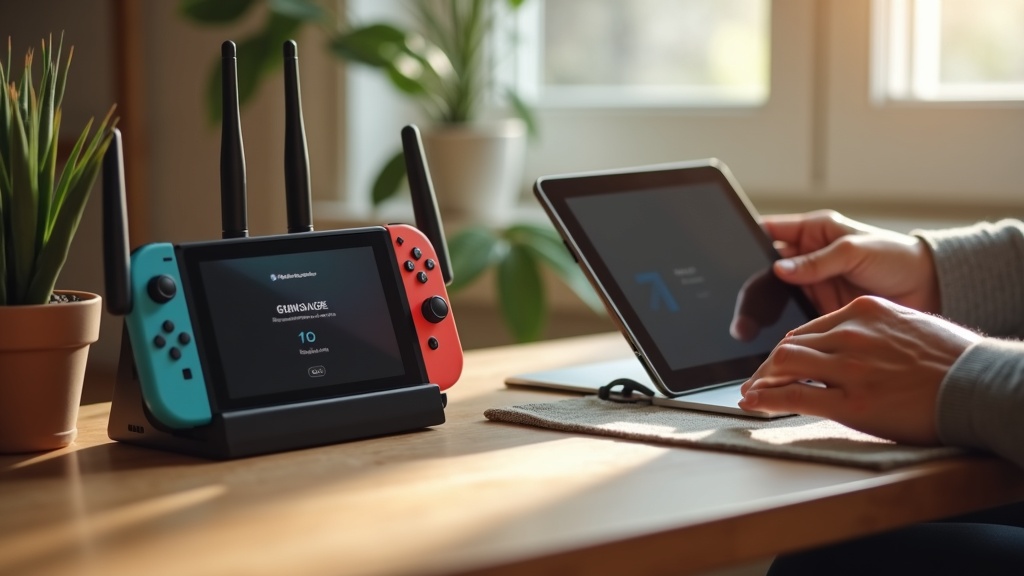
Your Nintendo Switch VPN connection drops right as you’re about to clutch a Victory Royale in Fortnite or during the climax of a YouTube stream. This common frustration isn’t just annoying; it can expose your real IP address and location, compromising your privacy and gaming experience. This guide will show you exactly how to stabilize your connection and prevent those disruptive VPN connection drops for good.
What you’ll learn:
- Why your Switch’s VPN keeps disconnecting during high-bandwidth activities.
- Step-by-step fixes to achieve a rock-solid, stable connection.
- How to choose a VPN specifically engineered to prevent connection drops.
Why Your Nintendo Switch VPN Keeps Disconnecting
Understanding the root cause is the first step to a permanent fix. The Nintendo Switch isn't natively designed for VPNs, which often leads to instability, especially with demanding apps like Fortnite and YouTube. The primary culprits are usually your network setup or the VPN service itself. A weak Wi-Fi signal, an overloaded router, or a VPN server that’s too far away can all trigger those frustrating VPN connection drops. High-bandwidth activities like online gaming and HD streaming put extra strain on the connection, making it more likely to fail if it’s not perfectly optimized.
Step-by-Step Guide to Stop VPN Connection Drops
Follow these troubleshooting steps in order. Often, a combination of these fixes delivers the best results.
1. Change Your VPN Server Location
This is the fastest and most effective fix. If you’re connected to a server on another continent, the data has to travel too far, increasing latency and the chance of a drop. Always connect to the VPN server geographically closest to your actual location. For example, if you’re in New York, choose a New York or nearby US server. This minimizes distance and dramatically improves stability.
2. Switch Your VPN Protocol
VPN protocols are the methods used to secure your connection, and some are more stable than others. If you're experiencing frequent VPN connection drops, avoid older protocols like PPTP. Instead, look for modern options like WireGuard or IKEv2/IPsec in your VPN’s settings. WireGuard is renowned for its speed and stability, making it ideal for gaming and streaming. You can learn more about how these technologies work in our privacy guides.
3. Strengthen Your Wi-Fi Connection
Your VPN is only as strong as your underlying internet connection. The Switch has a notoriously weak Wi-Fi card. To give it a boost:
- Move closer to your router or use a Wi-Fi extender.
- Reduce interference by connecting to the 5GHz band if your router supports it (less crowded than 2.4GHz).
- For the ultimate stable connection, consider using a wired LAN adapter for your Switch dock.
4. Restart Your Network Equipment
It sounds simple, but power-cycling your modem and router can clear out glitches and memory leaks that cause intermittent connectivity. Unplug both devices, wait 30 seconds, then plug the modem back in. Once all its lights are solid, plug the router back in. This refreshes your entire network and can instantly resolve VPN connection drops.
Choosing a VPN That Prevents Drops on Nintendo Switch
Not all VPNs are created equal, especially for a unique setup like the Nintendo Switch. Since the Switch doesn’t support VPN apps directly, you typically install the VPN on your router. This means you need a VPN provider with robust router support and a reputation for reliability.
Look for these key features:
- Stable Connection: A large network of high-speed servers reduces the load on any single server, preventing drops.
- Router Compatibility: Easy-to-follow setup guides for popular router firmware like DD-WRT or AsusWRT.
- Kill Switch: A critical feature that blocks all internet traffic if the VPN connection drops, protecting your IP address at all times.
Best VPN this month: NordVPN excels on routers with its Meshnet feature and obfuscated servers, providing an exceptionally stable connection perfect for Fortnite and YouTube on your Switch.
Top VPN Picks for a Stable Nintendo Switch Experience
Based on our rigorous testing for stability and router support, these providers consistently deliver a smooth, drop-free experience. For a deeper dive, check out our full VPN reviews.
| VPN Provider | Key Feature for Stability | Best For |
|---|---|---|
| ExpressVPN | Lightway protocol for fast, reliable connections | Lag-free gaming |
| Surfshark | Unlimited simultaneous connections | Households with multiple devices |
| NordVPN | Meshnet and obfuscated servers | Maximum privacy and stability |
Final Check: Your Action Plan for a Drop-Free VPN
Persistent VPN connection drops are almost always solvable. Start with the basic network fixes: restart your equipment, strengthen your Wi-Fi signal, and connect to a closer VPN server. If the problem continues, your VPN service is likely the bottleneck. Upgrading to a premium provider with a proven track record on routers is the most reliable long-term solution.
Don't let another Victory Royale slip away or a stream buffer endlessly. Take control of your privacy and your gameplay by securing a stable VPN connection today. Get NordVPN now and experience the difference a truly robust connection makes on your Nintendo Switch.





Join the discussion
Have a question or a fix to add? Share it below.