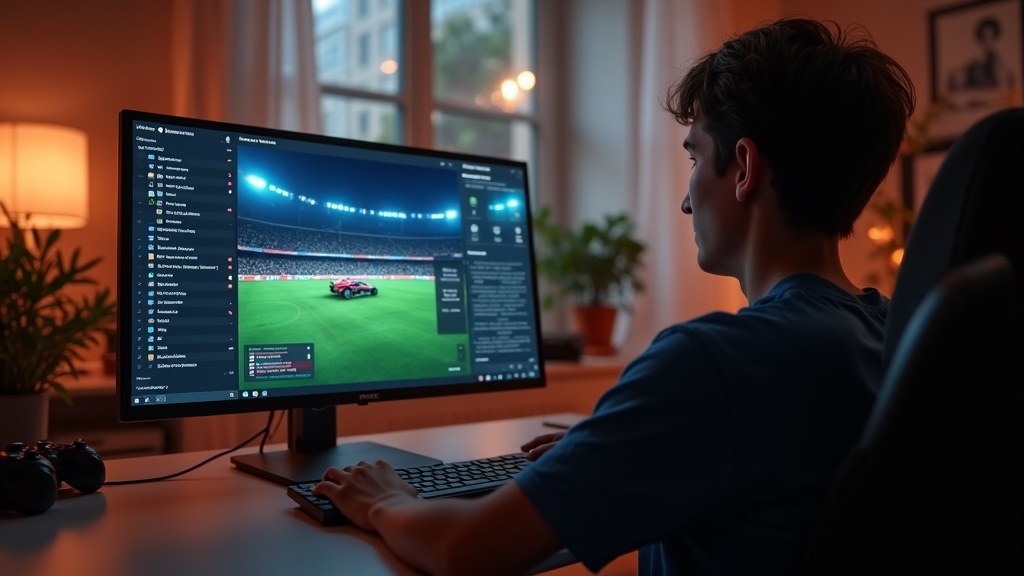
That frustrating moment when you go for a perfect aerial shot in Rocket League, only to rubberband across the arena or watch the ball phase through your car, is almost always a symptom of network issues. High ping and packet loss are the arch-nemeses of competitive gaming, turning a smooth, responsive match into a slideshow of despair. This guide will help you diagnose and fix these exact problems when using a VPN on PC, ensuring your connection is as stable as your gameplay. We’ll cover everything from simple server switches to advanced configuration tweaks.
What you’ll learn:
- Why your VPN might be causing high ping and how to pinpoint the cause.
- Step-by-step solutions to reduce latency and eliminate packet loss.
- How to configure your VPN for the best possible Rocket League performance.
Why Your VPN Causes High Ping in Rocket League
Before you can fix the problem, you need to understand it. A VPN routes your internet traffic through an encrypted tunnel to a remote server before it reaches the game's servers. This extra step adds physical distance and processing time, which manifests as latency, or high ping. Think of it like taking a detour on your way to work; even if the road is good, the longer route will still make you late. The key contributors to VPN-induced lag are:
- Server Distance: The single biggest factor. Connecting to a VPN server on the other side of the world will guarantee a poor experience.
- Server Load: An overcrowded VPN server can become a bottleneck, struggling to handle all the data from its users.
- Encryption Overhead: The process of encrypting and decrypting your data takes a small but measurable amount of time.
- Suboptimal Routing: Sometimes, your ISP's route to the game server is better than the VPN's route, and the VPN inadvertently takes a less efficient path.
Step-by-Step Guide to Fixing High Ping and Packet Loss
Don't just accept a laggy game. Follow these steps methodically to reclaim your low latency.
1. Choose a Closer VPN Server
This is the most effective fix. Your goal is to connect to a VPN server that is geographically as close as possible to both you and the Rocket League game server you typically play on. For most players, this means selecting a server in the same country or region. Open your VPN application and manually select a different server from the list, preferably one with a low load percentage indicated. A short physical distance is your best weapon against high ping.
2. Switch Your VPN Protocol
VPN protocols are the sets of rules that govern your connection. Some prioritize speed, while others focus on security. For gaming, you want speed. Look in your VPN's settings for the protocol option and experiment with the following:
- WireGuard: This is the modern gold standard for gaming. It offers excellent speeds and low latency.
- Lightway (ExpressVPN): A proprietary protocol designed for speed and reliability.
- IKEv2/IPsec: A solid, fast, and stable choice if WireGuard isn't available.
Avoid older protocols like OpenVPN for gaming, as they tend to have higher latency.
3. Enable a Kill Switch and Split Tunneling
These two features are crucial for a stable gaming experience. The kill switch (often called a network lock) prevents your real IP address from being exposed if the VPN connection drops unexpectedly, which can cause disconnections. More importantly, split tunneling allows you to decide which apps use the VPN. You can set Rocket League to bypass the VPN entirely, using your direct internet connection for the game, while the VPN still protects your browser and other background apps. This is a perfect solution if you only need the VPN for other tasks while gaming.
4. Check for Background Bandwidth Hogs
Your VPN connection shares your total internet bandwidth. If other devices or programs on your network are downloading large files, streaming 4K video, or updating, they will consume the bandwidth you need for a stable game. Before you queue for a match, close unnecessary applications like torrent clients, cloud storage syncs (Dropbox, Google Drive), and streaming services on all devices connected to your network.
5. Connect via Ethernet, Not Wi-Fi
Wi-Fi is susceptible to interference from other devices, walls, and distance, which can cause packet loss and jitter. For the most stable connection possible, always game on a PC connected directly to your router with an Ethernet cable. This eliminates a major variable and ensures your VPN has the most reliable foundation to work with.
Best VPNs for Rocket League on PC
Not all VPNs are created equal for gaming. You need a provider with a massive server network (so you can always find a close one), fast protocols like WireGuard, and features like split tunneling. Based on our latest tests, here are the top performers.
Best VPN This Month: For consistently low ping and reliable connections in fast-paced games, NordVPN is our top pick. Its Meshnet feature and NordLynx protocol (built on WireGuard) are game-changers for reducing latency.
| VPN Provider | Best For | Key Gaming Feature |
|---|---|---|
| NordVPN | Overall Speed & Stability | NordLynx protocol |
| Surfshark | Gamers on a Budget | WireGuard protocol |
| ExpressVPN | Consistent Performance | Lightway protocol |
For a deeper dive into how these services stack up, check out our full VPN reviews.
When All Else Fails: Advanced Troubleshooting
If you've tried everything and still have high ping, it's time to dig deeper.
- Change Your DNS: Sometimes, a VPN can interfere with DNS resolution. Try manually setting your DNS to a faster service like Cloudflare (1.1.1.1) or Google DNS (8.8.8.8) on your PC's network adapter settings.
- Disable IPv6: Some VPNs and ISAs don't handle IPv6 traffic well, which can cause leaks or connection issues. You can disable IPv6 in your Windows network adapter properties for a potentially more stable connection.
- Contact Support: A good VPN provider has 24/7 live chat support. They can often look at your connection logs and recommend a specific server or configuration you haven't tried.
For more general tips on protecting your privacy while you game, our privacy guides have you covered.
Secure Your Lag-Free Game Today
A VPN shouldn't mean sacrificing performance. By choosing the right server, tweaking your protocol, and using features like split tunneling, you can enjoy both security and a responsive Rocket League experience. The difference between a missed save and a epic win often comes down to a few milliseconds. Don't let high ping hold you back any longer.
Ready to game without interruptions? Get NordVPN now and experience the speed of NordLynx for yourself.





Join the discussion
Have a question or a fix to add? Share it below.