That split-second hesitation as your car turns just a bit too late, costing you the winning goal—it’s a familiar frustration in competitive Rocket League. Often, the culprit isn't your skill but network issues, and adding a VPN can sometimes introduce unwanted vpn lag and high ping. This guide will show you exactly how to configure your VPN to eliminate latency spikes, not cause them, ensuring your connection is as fast and stable as your gameplay. You’ll learn why lag happens and get a step-by-step plan to fix it for good.
- Why a VPN can cause high ping and how to troubleshoot it.
- The best server selection strategies for the lowest possible latency.
- Advanced settings to optimize your VPN for competitive gaming.
Why Your VPN is Causing Lag in Rocket League
Using a VPN reroutes your internet traffic through a secure server before it reaches the game's servers. This extra hop is what provides security and can help with geo-restrictions, but it also adds physical distance and processing time. If that VPN server is overcrowded, poorly located, or just slow, the result is vpn lag—manifesting as high ping, packet loss, and those infuriating rubber-banding effects in-game. The good news is that this is almost always a solvable problem, not an inherent flaw with VPNs themselves.
Step-by-Step Guide to Eliminating VPN Lag
Follow these steps in order to systematically identify and resolve the source of your latency issues.
1. Choose a Server Geographically Close to the Game Server
This is the most critical factor. The further data has to travel, the higher your ping will be. If you're playing on US-East Rocket League servers, connect to a VPN server in New York or Washington, D.C., not one in Los Angeles. Most quality VPN apps show you the current server load or ping time, making it easy to pick the fastest option. A service like NordVPN has a dedicated “Quick Connect” feature that automatically selects the optimal server for speed.
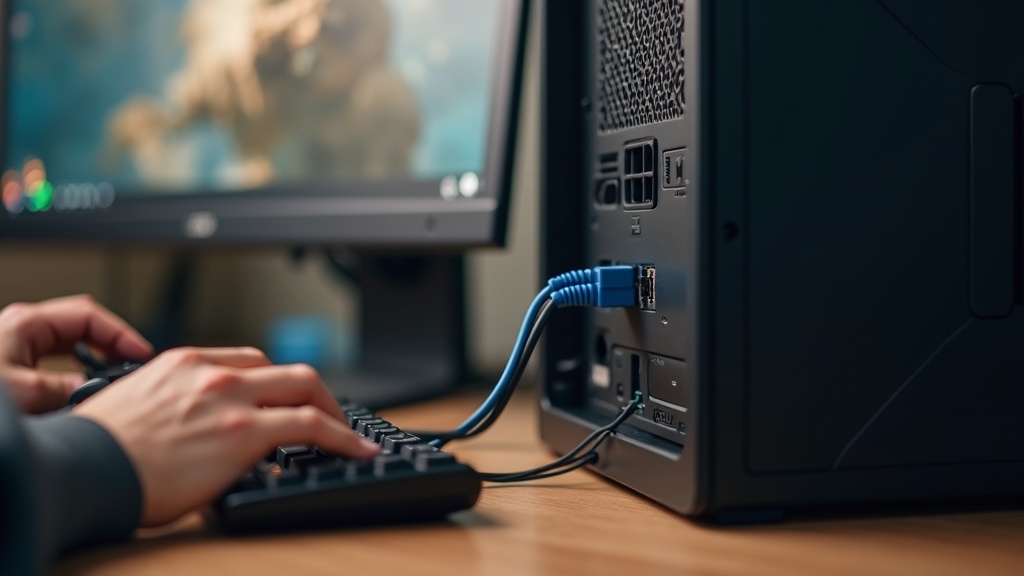
2. Use a Wired Ethernet Connection
Wi-Fi is susceptible to interference and signal drops, which can be mistaken for vpn lag. For the most stable connection required in competitive play, plug an Ethernet cable directly from your PC to your router. This simple change often provides a more significant and consistent reduction in ping than any software tweak.
3. Enable Your VPN's Gaming or Performance-Optimized Protocol
Not all VPN protocols are created equal. Older protocols like OpenVPN are secure but can be slower. Modern protocols are designed for speed and efficiency. Look for and enable options like:
- WireGuard: Known for its high speeds and modern codebase.
- Lightway: ExpressVPN's proprietary protocol built for performance.
- NordLynx: NordVPN's implementation of WireGuard, optimized for their network.
Switching to a faster protocol can dramatically reduce latency. You can usually find this setting in the VPN app's connection or protocol preferences.
4. Close Bandwidth-Heavy Background Applications
Your VPN is encrypting all your traffic. If other applications like torrent clients, video streams, or large file downloads are running, they are consuming bandwidth and processing power through the VPN tunnel, which can contribute to vpn lag in your game. Before launching Rocket League, close any non-essential programs that use the internet.
5. Test Your Connection Without the VPN
To confirm the VPN is the source of the problem, run a quick test. Play a match or check your ping in Rocket League's settings with the VPN disconnected. If your ping is still high, the issue may be with your base internet connection or ISP routing. Our guide on general privacy and connection issues can help you troubleshoot further.
Choosing the Right VPN to Prevent Lag from the Start
Not all VPNs are suitable for high-speed gaming. The best services invest in a large, high-speed server network and modern protocols to minimize latency. When selecting a VPN for Rocket League, prioritize these features:
- Extensive Server Network: More servers in more locations mean you're more likely to find one close to your game server.
- Speed-Optimized Protocols: As mentioned, look for WireGuard or similar proprietary protocols.
- Minimal Server Load: Services that display real-time server load help you avoid crowded, slow servers.
Best VPN this month: NordVPN consistently ranks high for its NordLynx protocol and massive global network, making it a top choice for gamers looking to balance security and speed.
When a VPN Can Actually Improve Your Rocket League Ping
Ironically, a VPN can sometimes *lower* your ping. This happens when your Internet Service Provider (ISP) uses inefficient routing to the game servers—a practice known as “throttling” or using congested network paths. By connecting to a VPN, you force your traffic onto a different, potentially more direct route. If your base ping is unusually high for your location, it's worth testing a quality VPN like Surfshark to see if it provides a better path to the Rocket League servers.
Final Checklist for a Lag-Free Game
Before you queue for your next competitive match, run through this quick list:
- Connected to the closest VPN server to the game server.
- Using a wired Ethernet connection.
- VPN protocol set to WireGuard, Lightway, or NordLynx.
- All background downloads and streams are closed.
- In-game region set correctly to match your VPN server.
Dealing with vpn lag is a fixable problem. By understanding the cause and methodically applying these solutions, you can enjoy the security benefits of a VPN without sacrificing the split-second reactions needed for Champion-level plays. Stop letting latency hold you back—configure your VPN for peak performance and secure your connection today.





Join the discussion
Have a question or a fix to add? Share it below.