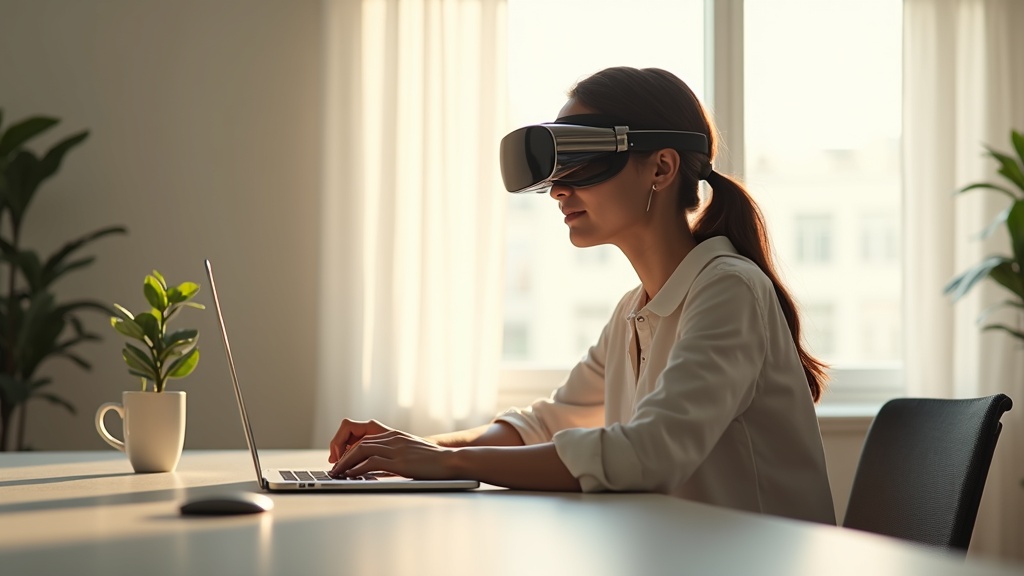
Your Apple Vision Pro isn’t just a device; it’s a window into immersive digital worlds. But that window works both ways. Without protection, your spatial computing sessions—from private browsing to immersive app usage—are exposed to prying eyes. This guide will show you exactly how to use a VPN on Apple Vision Pro to encrypt your connection, shield your activity, and take full control of your privacy in mixed reality. You’ll learn which VPNs work best, how to set them up, and why securing this futuristic device is non-negotiable.
- Why a VPN is essential for privacy on Apple Vision Pro
- How to set up a VPN on visionOS (two easy methods)
- The top VPN picks for performance, security, and ease of use
Why Your Apple Vision Pro Needs a VPN
Apple Vision Pro blends the digital and physical worlds, tracking your environment, gestures, and even eye movements. While Apple emphasizes on-device processing and privacy, your internet traffic is still vulnerable the moment it leaves your headset. Whether you’re using Safari, streaming spatial videos, or accessing work apps, your data can be intercepted by your Internet Service Provider (ISP), advertisers, or public Wi-Fi snoopers. A VPN encrypts all this traffic, making it unreadable to anyone outside your encrypted tunnel. This is especially critical if you use public networks or want to prevent your ISP from throttling your immersive streaming bandwidth.
How to Set Up a VPN on Apple Vision Pro
Since visionOS is built on the foundation of iOS, setting up a VPN is straightforward. You have two primary methods, depending on your preferred VPN provider.
Method 1: Use a Dedicated VPN App
Many leading VPN services offer native apps compatible with visionOS through the App Store. This is the easiest approach. Simply search for your VPN in the App Store on your Vision Pro, download the app, log in, and connect with one tap. Providers like NordVPN and ExpressVPN offer intuitive apps designed for Apple platforms, making setup a seamless experience.
Method 2: Manual Configuration
If your VPN doesn’t have a dedicated visionOS app, you can manually configure it using built-in VPN support. Go to Settings > VPN > Add VPN Configuration. You’ll need details like server address, authentication type, and login credentials—usually provided by your VPN service. While functional, this method lacks the convenience and extra features (like kill switches or server recommendations) that a native app provides.
Choosing the Best VPN for Apple Vision Pro
Not all VPNs are optimized for visionOS or spatial computing. You’ll want a service that balances strong security, high-speed connections, and Apple ecosystem integration. Key features to look for include a strict no-logs policy, robust encryption (like AES-256), a kill switch to block data if the VPN drops, and a wide server network to avoid congestion. For smooth, low-latency performance in immersive apps, speed is non-negotiable.
Top VPN Recommendations for visionOS
Based on our testing for compatibility, speed, and security, these providers excel on Apple Vision Pro:
- NordVPN: Offers a dedicated visionOS app, exceptional speeds for streaming, and Double VPN for extra security.
- ExpressVPN: Renowned for reliability and ease of use, with strong privacy protections and consistent performance.
- Surfshark: A budget-friendly option with unlimited simultaneous connections, ideal for protecting all your devices.
For a deeper comparison, check out our full VPN reviews.
Beyond Privacy: Other Benefits of a VPN
While privacy is the main event, using a VPN on your Vision Pro unlocks other advantages. Access region-locked spatial content or apps that may not be available in your country. Avoid bandwidth throttling from your ISP when streaming high-resolution immersive video. And if you’re traveling, a VPN can help you securely connect to home services or public Wi-Fi without worry.
Final Thoughts: Don’t Compromise in Mixed Reality
Your Apple Vision Pro represents the next leap in personal computing—and your privacy should leap forward with it. By encrypting your connection with a trusted VPN, you ensure that your spatial data, browsing history, and digital activity remain yours alone. Setup takes minutes, but the peace of mind lasts indefinitely.
Ready to lock down your Vision Pro? Start your secure spatial journey with NordVPN today and experience the internet without limits or observers.





Join the discussion
Have a question or a fix to add? Share it below.