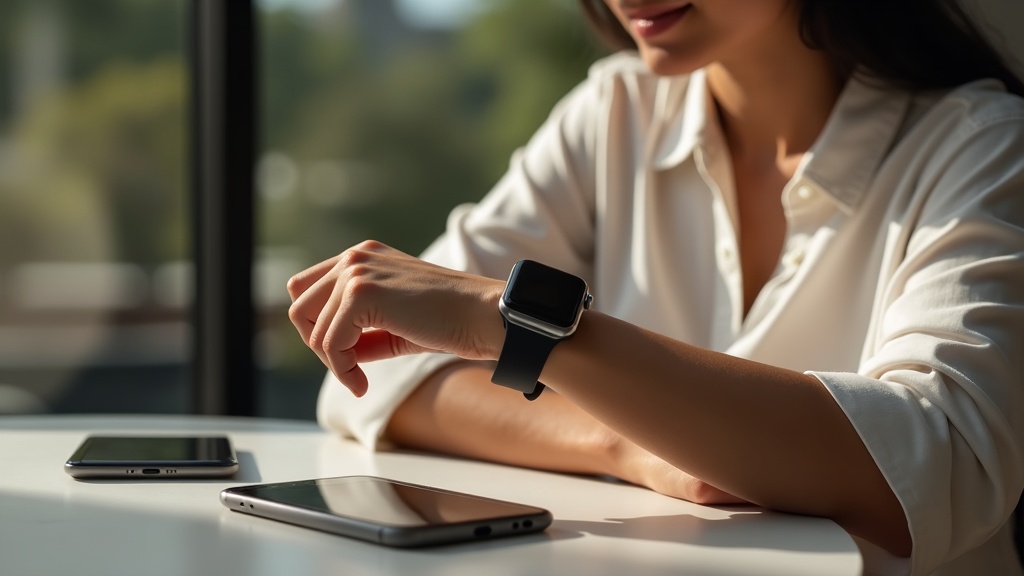
Your Apple Watch SE 2 tracks your runs, heart rate, and location—but who else is watching? Without protection, your sensitive fitness and GPS data could be exposed to prying eyes. This guide shows you how to use a VPN on your Apple Watch SE 2 to keep your health stats and location private, even when syncing with your iPhone or connecting to public Wi-Fi during workouts.
What you’ll learn:
- Why your Apple Watch SE 2 needs a VPN for privacy
- How to set up a VPN connection for your watch
- Which VPNs work best with Apple Watch and iPhone
Why Your Apple Watch SE 2 Needs a VPN
Your Apple Watch SE 2 collects highly personal data: your daily step count, heart rate, sleep patterns, and exact GPS routes. When this information syncs with your iPhone or transmits over Wi-Fi, it can be intercepted by hackers, ISPs, or even advertisers. A VPN encrypts this data, making it unreadable to anyone but you. Whether you’re logging a run in the park or checking notifications at a coffee shop, a VPN ensures your activities stay private.
How to Set Up a VPN for Apple Watch SE 2
Since the Apple Watch doesn’t support native VPN apps, you’ll need to set up the VPN on your paired iPhone. When your watch uses the iPhone’s connection—via Bluetooth or Wi-Fi—it automatically benefits from the same VPN protection. Here’s how to get started:
- Choose a reliable VPN service compatible with iOS.
- Install the VPN app on your iPhone and log in.
- Connect to a VPN server location of your choice.
- Ensure your Apple Watch is connected to your iPhone.
Once connected, all data transmitted between your devices and the internet is encrypted. This means your fitness app syncs, GPS updates, and message notifications are shielded from eavesdroppers.
Best VPNs for Apple Watch SE 2 and iPhone
Not all VPNs are optimized for Apple’s ecosystem. The best options offer fast speeds, strong encryption, and easy-to-use iOS apps. Here are our top recommendations:
NordVPN
With its intuitive iOS app and robust security features, NordVPN is an excellent choice. It uses next-generation encryption to keep your data safe and includes a kill switch to protect your connection if the VPN drops.
Surfshark
Surfshark offers unlimited device connections, making it ideal if you also want to secure other gadgets. Its CleanWeb feature blocks ads and malware, adding an extra layer of safety.
ExpressVPN
Known for its speed and reliability, ExpressVPN works seamlessly with iOS and provides 24/7 customer support. It’s a great option for users who prioritize performance.
GPS Privacy and Fitness Data Protection
Your Apple Watch SE 2 uses GPS to map your workouts, which means it knows exactly where you are—and where you’ve been. While this is useful for tracking progress, it also creates a detailed record of your movements. A VPN masks your IP address and encrypts location data, preventing third parties from building a profile based on your routines. This is especially important if you use fitness apps that store data in the cloud.
Common Apple Watch VPN Questions
Let’s address some frequently asked questions about using a VPN with Apple Watch:
Can I install a VPN directly on my Apple Watch?
No, watchOS does not currently support standalone VPN apps. However, by securing your iPhone with a VPN, your watch benefits from the same protection when connected.
Will a VPN slow down my Apple Watch connectivity?
A high-quality VPN should have minimal impact on speed. Choose a provider with optimized servers for streaming and browsing to maintain performance.
Is it legal to use a VPN with my Apple Watch?
Yes, using a VPN is legal in most countries. However, always comply with local laws and terms of service for apps and networks you use.
Get Started with a VPN Today
Your health and location data deserve protection. By using a VPN with your Apple Watch SE 2 and iPhone, you take control of your digital privacy. Don’t let your morning jog or heart rate details become public information—secure your connection now.
Best VPN this month: NordVPN is offering a special discount for new users. Grab it now to protect all your devices!
For more tips on securing your gadgets, check out our guides on VPNs for devices and online privacy.





Join the discussion
Have a question or a fix to add? Share it below.