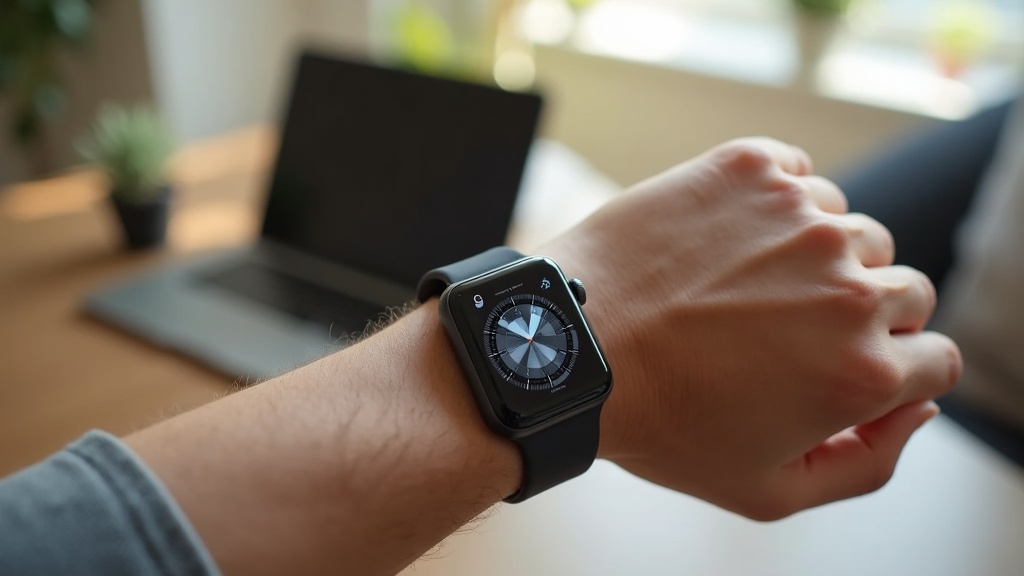
Your Apple Watch Series 9 tracks your heart rate, sleep patterns, and location—but who else is watching? Without protection, your sensitive health and GPS data could be exposed on public Wi-Fi or even monitored by your ISP. This article explains how a VPN on Apple Watch Series 9 can shield your personal information, and which services work best with watchOS.
What you’ll learn:
- Why your Apple Watch needs a VPN for privacy
- How to set up a VPN connection for your watch
- Which VPN providers offer the best compatibility and security
Why Your Apple Watch Series 9 Needs a VPN
Your Apple Watch is more than a timepiece; it’s a hub for your most personal data. Every time you sync health stats or use GPS-based apps, that information travels over the internet. On unsecured networks—like public Wi-Fi at a gym or cafe—hackers can intercept this data. A VPN encrypts your connection, making it impossible for snoops to see what you’re doing online.
Even your internet provider can track your watch’s activity if it’s connected via cellular or paired with your iPhone. A VPN blocks this oversight, keeping your workouts, location history, and health metrics private.
How to Set Up a VPN on Apple Watch Series 9
Since watchOS doesn’t support native VPN apps, you’ll need to route its traffic through a VPN on your paired iPhone. Here’s how it works:
- Subscribe to a reputable VPN service like NordVPN or ExpressVPN.
- Install the VPN app on your iPhone and connect to a server.
- Ensure your Apple Watch is connected to your iPhone via Bluetooth or Wi-Fi.
- All internet traffic from your watch will now travel through the encrypted VPN tunnel.
This setup protects both devices simultaneously. For step-by-step guidance, check out our detailed VPN setup guides for devices.
Top VPNs for Apple Watch Series 9
Not all VPNs work seamlessly with Apple’s ecosystem. The best options offer fast speeds, strong encryption, and reliable iOS apps. Here are our top picks:
NordVPN
NordVPN provides excellent security features like Double VPN and a strict no-logs policy. Its iOS app is user-friendly and ensures smooth performance for your watch’s background data sync.
Surfshark
With unlimited device connections, Surfshark is a great value choice. It offers CleanWeb ad-blocking and works reliably on iPhones to protect Apple Watch traffic.
ExpressVPN
Known for its speed and ease of use, ExpressVPN is ideal for streaming and GPS-heavy apps. Its Lightway protocol minimizes battery drain on your iPhone and watch.
For a full comparison, visit our VPN reviews page.
Benefits of Using a VPN with Apple Watch
Encrypting your watch’s connection does more than just hide your data—it also enhances functionality and peace of mind.
- Health Data Privacy: Keep your heart rate, sleep analysis, and medical info safe from third parties.
- GPS Protection: Prevent apps and ISPs from tracking your location history.
- Public Wi-Fi Security: Work out or browse safely on any network without risk of eavesdropping.
- No Throttling: Some ISPs slow down traffic during high-use activities; a VPN prevents this.
Potential Limitations and Workarounds
Since the Apple Watch doesn’t run VPN software directly, your iPhone must be nearby and connected for protection. If you use cellular on your watch without your phone, the VPN won’t be active. For standalone cellular use, consider using a VPN-enabled mobile hotspot or wait for future watchOS updates that may support native VPN apps.
Battery life on your iPhone may slightly decrease when the VPN is active, but top providers like NordVPN and ExpressVPN optimize their apps to minimize impact.
Take Action: Secure Your Apple Watch Today
Your health and location data deserve ironclad protection. By using a VPN with your Apple Watch Series 9, you ensure that every heartbeat and every route remains yours alone.
Best VPN this month: NordVPN is offering a special discount for new users—get started now and shield your devices in minutes.
For more tips on digital privacy, explore our privacy guides or compare the latest VPN deals to find the right fit for your needs.





Join the discussion
Have a question or a fix to add? Share it below.