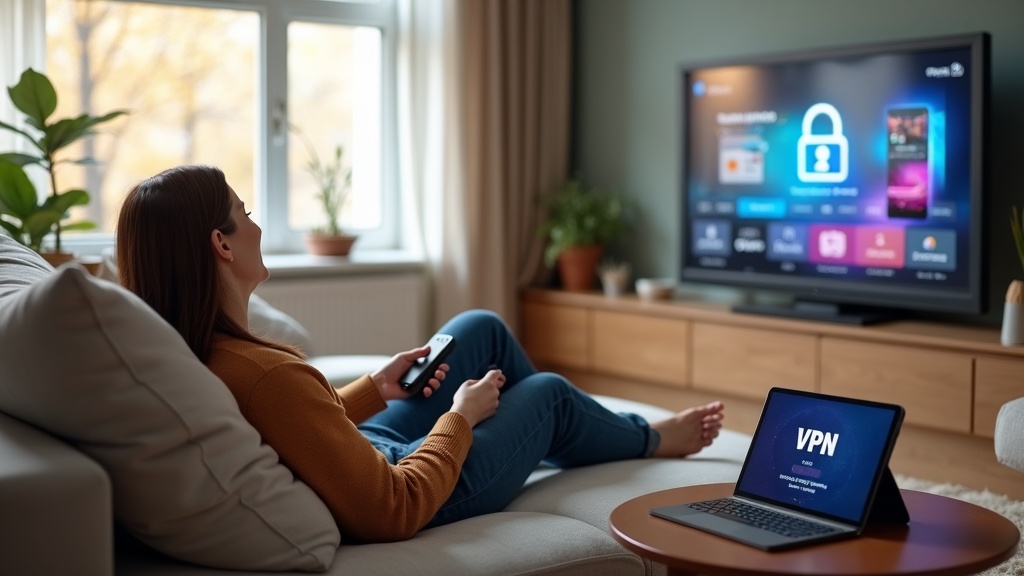
Your Roku Ultra is a powerful streaming device, but it leaves your privacy exposed and your content library limited by your location. Using a VPN on Roku Ultra solves both problems, encrypting your connection and unlocking global streaming catalogs. This guide will show you exactly how to set it up, even though Roku doesn’t natively support VPN apps.
- Why a VPN is essential for Roku Ultra privacy and access
- Step-by-step methods to install a VPN on Roku Ultra
- How to choose the best VPN for streaming and security
Why Your Roku Ultra Needs a VPN
Your internet service provider (ISP) can see every show you stream and every app you use on your Roku. They can throttle your bandwidth during peak streaming times, causing frustrating buffering. Furthermore, streaming services like Netflix, Hulu, and BBC iPlayer restrict their libraries based on your geographical location. A VPN encrypts your internet traffic, hiding your activity from your ISP and assigning you a new IP address from a country of your choice. This stops throttling, protects your privacy, and grants you access to a world of content.
How to Install a VPN on Your Roku Ultra
Since the Roku Channel Store does not offer native VPN apps, you need to use a workaround. Don't worry, the process is straightforward.
Method 1: Share Your VPN Connection from a Router
This is the most effective method. By installing VPN software directly on your Wi-Fi router, every device connected to your network—including your Roku Ultra—is automatically protected. This provides seamless, always-on security and region unlocking without any extra steps on the Roku itself.
- Check Router Compatibility: First, ensure your router is compatible with VPN firmware like DD-WRT or has built-in VPN client support. Many modern routers do.
- Configure the VPN: Access your router’s admin panel (usually by typing 192.168.1.1 into a browser) and enter the connection details provided by your VPN provider.
- Connect and Enjoy: Once configured, simply connect your Roku Ultra to this VPN-protected Wi-Fi network. Your streaming and privacy are now secured.
Method 2: Use a Virtual Router on Your PC
If you cannot configure your primary router, you can use a Windows or Mac computer to create a protected Wi-Fi hotspot.
- Install your chosen VPN software on your Windows PC or Mac.
- Connect to a VPN server in your desired location (e.g., a UK server for BBC iPlayer).
- On your computer, navigate to network settings and turn on “Mobile Hotspot” (Windows) or “Internet Sharing” (Mac).
- Connect your Roku Ultra to this new Wi-Fi network broadcast from your computer.
This method is great for a quick setup but requires your computer to be on and connected to the VPN whenever you want to use your Roku.
Method 3: Use a VPN on a Smart DNS Proxy
Some top VPN providers offer a Smart DNS feature specifically designed for devices like Roku, Apple TV, and gaming consoles. Unlike a full VPN, a Smart DNS doesn’t encrypt your traffic but is excellent for bypassing geo-blocks quickly. You usually find this option in your VPN account dashboard, and it involves changing the DNS settings on your Roku Ultra.
Choosing the Best VPN for Roku Ultra
Not all VPNs are built for streaming. To reliably unblock services and provide fast speeds for HD and 4K content, look for these key features:
- Fast Speeds: Essential for buffer-free streaming.
- Strong Unblocking Ability: Consistently bypasses restrictions on Netflix, Disney+, and others.
- Router Compatibility: Easy-to-follow setup guides for routers.
- Smart DNS Feature: A dedicated option for easy device setup.
- Robust Security: A strict no-logs policy and strong encryption to keep your data safe.
Best VPN This Month
Based on our latest tests for speed, reliability, and ease of use on routers, ExpressVPN is our top pick. Its custom router app makes installation a breeze, and its MediaStreamer DNS service is perfect for Roku devices.
Top VPN Recommendations for Roku
We’ve tested the major services to find which ones work best with the Roku Ultra’s unique setup requirements.
1. ExpressVPN: The Best Overall
ExpressVPN is the gold standard for streaming. Its router applet simplifies the entire setup process, and its proprietary Lightway protocol delivers incredibly fast speeds for 4K streaming. With servers in 105 countries, you can unlock virtually any regional library. Its reliable MediaStreamer Smart DNS is a fantastic bonus for Roku users.
2. NordVPN: Top-Tier Security and Speed
Renowned for its double VPN and threat protection features, NordVPN is a powerhouse for both privacy and streaming. It offers detailed tutorials for manual router configuration and consistently unblocks all major streaming platforms. Its Meshnet feature can even let you share your home VPN connection remotely.
3. Surfshark: Great Value for Multiple Devices
Surfshark is an excellent budget-friendly choice that doesn’t compromise on performance. With one subscription covering unlimited devices, it’s perfect for protecting your entire home network, including your Roku Ultra. It includes a Smart DNS feature and provides solid speeds for streaming.
Troubleshooting Common VPN on Roku Issues
Ran into a problem? Here are quick fixes for the most common issues.
- Streaming Service Detects VPN: This is common. Simply disconnect from your current VPN server and connect to a different server in the same country. Top providers like ExpressVPN and NordVPN have dedicated streaming-optimized servers for this reason.
- Slow Speeds/Buffering: Connect to a server that is geographically closer to you. Also, ensure you are using a modern VPN protocol like WireGuard or Lightway for better performance.
- Connection Drops: Enable a kill switch on your router or computer. This critical feature will cut your internet connection if the VPN drops, preventing your real IP address from being exposed.
Secure Your Streaming and Unlock the World
Installing a VPN on your Roku Ultra is a simple process that pays massive dividends in privacy and content access. By encrypting your connection, you shield your viewing habits from your ISP and advertisers. By changing your virtual location, you break free from geographical restrictions and explore a vastly larger universe of movies and shows. The best part? You can try our top-rated VPNs risk-free with their money-back guarantees.
Ready to transform your Roku experience? Get started with ExpressVPN today and stream with confidence and freedom.





Join the discussion
Have a question or a fix to add? Share it below.