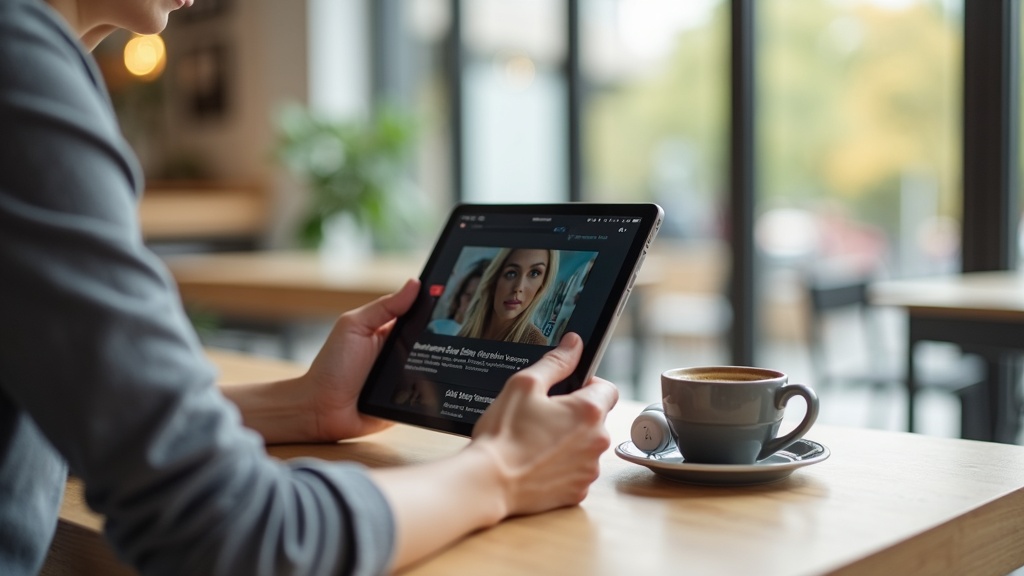
Your Samsung Galaxy Tab S9 is a powerful tool for work, streaming, and browsing, but without protection, it’s also a privacy risk on public Wi-Fi. A VPN on Samsung Galaxy secures your connection, unlocks global content, and shields your data from prying eyes. This guide will show you how to set up a VPN on your Tab S9, compare top providers, and maximize both privacy and performance.
- Why your Tab S9 needs a VPN for security and streaming
- Step-by-step setup instructions for popular VPN apps
- How to choose the best VPN for your Android tablet
Why Your Samsung Galaxy Tab S9 Needs a VPN
Public Wi-Fi networks, like those in cafes or airports, are often unsecured, making it easy for hackers to intercept your data. A VPN encrypts your internet traffic, turning it into an unreadable code that keeps your passwords, messages, and browsing history private. Beyond security, a VPN on Samsung Galaxy lets you bypass geo-restrictions, so you can stream shows from platforms like Netflix US or BBC iPlayer no matter where you are.
Enhanced Privacy on Android
Android devices, including the Tab S9, are frequent targets for data collection by apps and internet service providers. A VPN masks your IP address, making it nearly impossible for third parties to track your online activities or location.
Access Global Streaming Libraries
Traveling or living abroad? Many streaming services limit content based on your region. With a VPN, you can connect to a server in another country and unlock a wider selection of movies, sports, and TV shows.
How to Set Up a VPN on Your Samsung Galaxy Tab S9
Installing a VPN on your Tab S9 is straightforward. Most top VPN providers offer dedicated Android apps on the Google Play Store. Here’s a quick guide:
- Subscribe to a reputable VPN service (we recommend NordVPN for its ease of use and reliability).
- Download the VPN app from the Google Play Store.
- Open the app, log in, and connect to a server with one tap.
For manual setup, you can configure the VPN using Android’s built-in VPN client, but using a dedicated app is simpler and offers more features.
Top VPN Picks for Samsung Galaxy Tab S9
Not all VPNs are optimized for Android tablets. The best ones offer fast speeds, strong security, and user-friendly apps. Here are our top recommendations:
NordVPN
NordVPN is a top choice for Samsung devices thanks to its fast speeds, robust security features, and intuitive Android app. It reliably unblocks popular streaming services and includes a kill switch to protect your data if the connection drops.
Surfshark
Surfshark offers excellent value, allowing unlimited simultaneous connections so you can protect your tablet, phone, and other devices under one subscription. Its CleanWeb feature blocks ads and malware, enhancing your browsing experience.
Get Surfshark for unlimited devices
ExpressVPN
ExpressVPN is known for its blazing-fast speeds and reliability, making it ideal for streaming HD content on your Tab S9. Its user-friendly app and strong privacy policies make it a great option for beginners and experts alike.
Secure your tablet with ExpressVPN
Best VPN This Month
For Tab S9 users who want a balance of speed, security, and ease of use, NordVPN is our top pick this month. It consistently performs well in tests and offers dedicated support for Android devices.
Maximizing VPN Performance on Your Tablet
To get the most out of your VPN on Samsung Galaxy, follow these tips:
- Choose a server close to your physical location for faster speeds.
- Use the WireGuard or OpenVPN protocols for a balance of speed and security.
- Enable the kill switch feature to prevent data leaks.
Common VPN Issues and Fixes
If you experience connection drops or slow speeds, try switching servers, updating the app, or restarting your tablet. Most issues can be resolved quickly with these steps.
Final Thoughts
Using a VPN on your Samsung Galaxy Tab S9 is essential for protecting your privacy and unlocking a world of content. Whether you’re browsing on public Wi-Fi or streaming your favorite shows, a reliable VPN keeps you secure and free from restrictions. Ready to take control of your online experience? Get started with NordVPN today and enjoy peace of mind on your tablet.





Join the discussion
Have a question or a fix to add? Share it below.