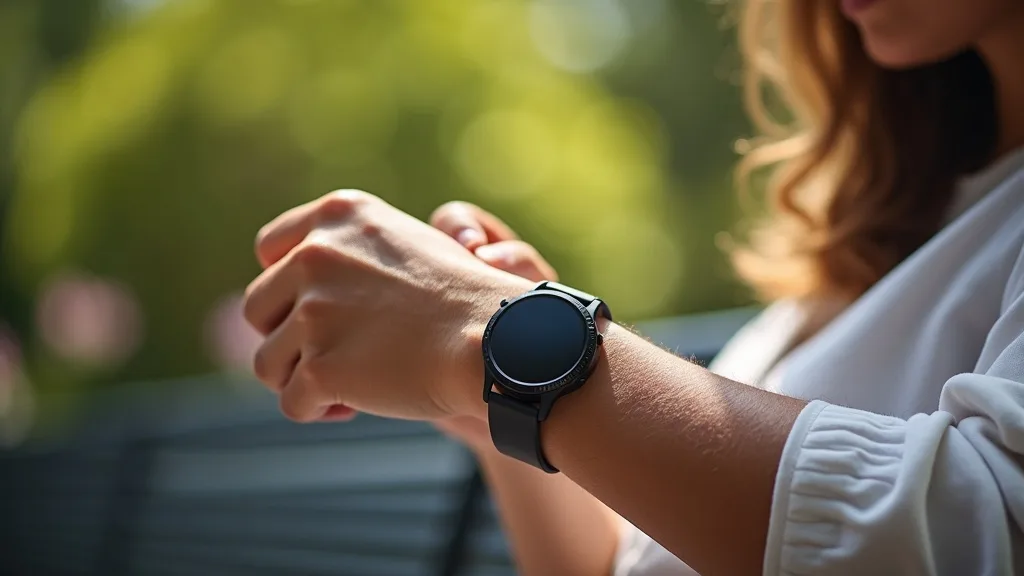
Your Samsung Galaxy Watch 7 logs every run, tracks your heart rate, and knows exactly where you are. That sensitive fitness and GPS data is constantly syncing with your phone and the cloud, often over unsecured public Wi-Fi. A VPN on Samsung Galaxy Watch encrypts this connection, shielding your personal health metrics and location history from prying eyes. This guide will show you exactly how to protect your wearable, even though the watch itself doesn’t run VPN apps natively.
What you’ll learn:
- Why your Galaxy Watch’s data is vulnerable and needs a VPN’s protection.
- The practical method for securing all traffic from your watch.
- How to choose a VPN service that works seamlessly with your Samsung ecosystem.
Why Your Samsung Galaxy Watch 7 Needs a VPN
Think of your smartwatch as a tiny computer on your wrist. It collects a treasure trove of personal data: your precise location via GPS, heart rate, sleep patterns, and even the routes you take on your daily jog. This information is incredibly valuable and, if intercepted, could be used to build a detailed profile of your habits and lifestyle.
Most of this data is transmitted to your paired smartphone via Bluetooth and then to the internet using whatever Wi-Fi or cellular network your phone is connected to. If you’re at a coffee shop, airport, or gym, that connection is likely unencrypted and vulnerable. A VPN creates a secure, encrypted tunnel for all this data, making it unreadable to hackers, your internet service provider, or other third parties on the same network. It’s essential for GPS privacy and keeping your fitness journey confidential.
How to Get a VPN on Your Samsung Galaxy Watch
Since Wear OS (the operating system on the Galaxy Watch 7) does not support standalone VPN applications, you cannot install one directly on the watch. The solution is to install a VPN on the smartphone it’s paired with, typically an Android device. Once active on your phone, the VPN will encrypt all internet traffic originating from the device, including the data being sent to and from your Galaxy Watch.
Step-by-Step Setup Guide
Securing your watch’s data is simpler than you might think. Follow these steps:
- Choose a reputable VPN provider that offers a robust Android app. We recommend NordVPN for its strong security features and reliable performance.
- Download and install the VPN application on your Android smartphone from the Google Play Store.
- Open the VPN app, log into your account, and connect to a server of your choice. Many apps offer a “Quick Connect” feature for the best available server.
- Ensure your Samsung Galaxy Watch 7 is connected to your phone via Bluetooth. Once the VPN is active on your phone, all data passing between your watch, phone, and the internet will be automatically encrypted.
This method effectively provides a VPN on Samsung Galaxy Watch by protecting the entire data pipeline at its source: your smartphone.
What to Look for in a VPN for Your Devices
Not all VPNs are created equal, especially when your goal is to protect a seamless ecosystem of devices. Here are the key features to prioritize:
- Strong Encryption: Look for services that use AES-256 encryption, the gold standard for securing data.
- Strict No-Logs Policy: Choose a provider that is audited and verified to not keep records of your online activity.
- Kill Switch: This critical feature automatically blocks all internet traffic if the VPN connection drops, preventing any data leaks.
- Speed and Reliability: A fast connection is vital to ensure your watch’s data syncs quickly without draining your phone’s battery excessively.
- Easy-to-Use Android App: The interface should be simple, allowing you to connect with a single tap.
Top VPN Recommendations for Samsung Users
Based on our testing for security, speed, and usability with Android devices, these providers excel at creating a secure environment for your Galaxy Watch.
Best VPN this month: NordVPN consistently tops our lists for its combination of top-tier security, blazing-fast speeds, and intuitive apps. Its Threat Protection feature adds an extra layer of security against malware, which is a great bonus for overall device safety.
Other excellent options include Surfshark, which offers unlimited simultaneous connections—perfect for securing your phone, watch, laptop, and every other device you own under one subscription. ExpressVPN is also a stellar choice, renowned for its robust security and incredibly reliable network performance across the globe.
Beyond the Watch: Other Devices to Secure
Your wearable is just one piece of your digital life. If you’re taking steps to protect it, you should consider extending that protection elsewhere. Many of the same VPNs that work for your phone and watch also offer apps for routers, smart TVs, and gaming consoles. By securing your entire network at the router level, you can protect every device that connects to your home Wi-Fi, from your laptop to your smart fridge. Explore our guides on securing other devices for more information.
Your fitness data and location are personal. Taking a few minutes to set up a VPN on your paired smartphone is a powerful step toward reclaiming your digital privacy. Don’t let your daily jog become a data leak; encrypt your connection and sync with confidence.
Ready to lock down your wearable data? Get NordVPN now and enjoy a secure, private connection for your Samsung Galaxy Watch 7 and all your devices.





Join the discussion
Have a question or a fix to add? Share it below.