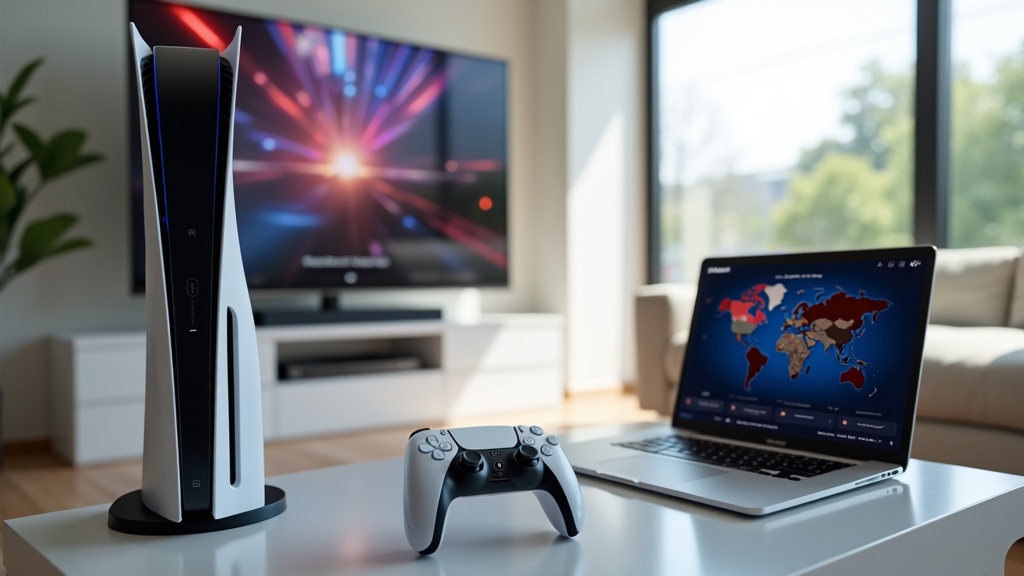
Using a VPN on your PlayStation 5 isn’t just for tech enthusiasts—it’s a practical way to enhance your gaming experience and protect your privacy. Whether you want to access games early, avoid DDoS attacks, or stream geo-restricted content, setting up a VPN on your PS5 is simpler than you might think. In this guide, you’ll learn how to get started quickly and make the most of your console’s capabilities.
- Why a VPN is essential for PS5 gamers
- Step-by-step methods to set up a VPN on your console
- How to access region-locked games and streaming apps
Why Use a VPN on Your PlayStation 5?
Your PlayStation 5 is more than a gaming machine—it’s a hub for entertainment, socializing, and even shopping. But connecting directly to the internet exposes you to risks like swatting, bandwidth throttling, and location-based restrictions. A VPN encrypts your connection, masks your IP address, and lets you appear as if you’re browsing from another country. This means you can play games not yet released in your region, access international streaming libraries on apps like Netflix and HBO Max, and enjoy a lag-free experience by avoiding ISP throttling during peak hours.
How to Set Up a VPN on Your PS5
Since the PlayStation 5 doesn’t support VPN apps natively, you’ll need to use one of these reliable workarounds. Each method is straightforward, but some offer more convenience than others.
Method 1: Share VPN via Wi-Fi Router
The most effective way to use a VPN on your PS5 is by installing it on your router. This protects every device on your network—consoles, phones, smart TVs—without any extra setup. Most modern routers support VPN firmware like DD-WRT or have built-in VPN compatibility. Simply log into your router’s admin panel, enter your VPN credentials, and connect your PS5 to the newly secured network. This method does require a VPN that supports router installations, such as ExpressVPN, which offers easy-to-follow setup guides and 24/7 support.
Method 2: Use a Windows or Mac Computer
If configuring your router sounds too technical, you can share your computer’s VPN connection with your PS5. Connect your computer to the VPN via Ethernet or Wi-Fi, then enable Internet Connection Sharing (Windows) or Internet Sharing (Mac). Connect your PS5 to the shared network using an Ethernet cable for the best stability. While this method works well, it requires your computer to be on whenever you want to use the VPN on your console.
Method 3: Set Up a VPN-Enabled Hotspot
For a more portable solution, use a VPN on your smartphone and create a mobile hotspot. Connect your phone to a VPN server, enable the hotspot feature, and connect your PS5 to this network. This is great for temporary use, like accessing a region-locked demo or avoiding network congestion during a gaming tournament.
Benefits of Using a VPN for Gaming
Beyond accessing geo-blocked content, a VPN provides tangible advantages for gamers. It reduces the risk of DDoS attacks—a common threat in competitive gaming—by hiding your real IP address. It can also help you find less crowded servers, potentially lowering ping and reducing lag. Some gamers even use VPNs to take advantage of regional pricing on the PlayStation Store, where games and subscriptions are occasionally cheaper in other countries.
Choosing the Right VPN for Your PS5
Not all VPNs are optimized for gaming. Look for providers with fast speeds, unlimited bandwidth, and strong server networks. You’ll also want a VPN that works reliably on routers and offers responsive customer support. Based on our tests, NordVPN excels in speed and security, while Surfshark offers unlimited simultaneous connections—great for sharing with family or multiple devices.
Best VPN this month: ExpressVPN is our top pick for PlayStation users thanks to its router compatibility, consistent speeds, and ease of use.
Unlock More with Your PS5 VPN
Once your VPN is active, you can explore a world of content previously unavailable in your region. Jump into game releases earlier by connecting to Australian or New Zealand servers, where titles often launch first. Stream shows from other countries’ catalogs on apps like Disney+ or Crunchyroll. You can even join game servers in other regions to play with friends abroad or participate in exclusive events.
Final Thoughts
Setting up a VPN on your PlayStation 5 is a smart move for any serious gamer or streamer. It enhances your security, expands your access, and optimizes your online experience. Whether you choose to install the VPN on your router or share via computer, the process is manageable and well worth the effort.
Ready to take your PS5 to the next level? Get started with ExpressVPN today and enjoy safer, unrestricted gaming in minutes.
For more tips on optimizing your devices, check out our guides on using VPNs on various gadgets or explore the best VPNs for gaming.





Join the discussion
Have a question or a fix to add? Share it below.