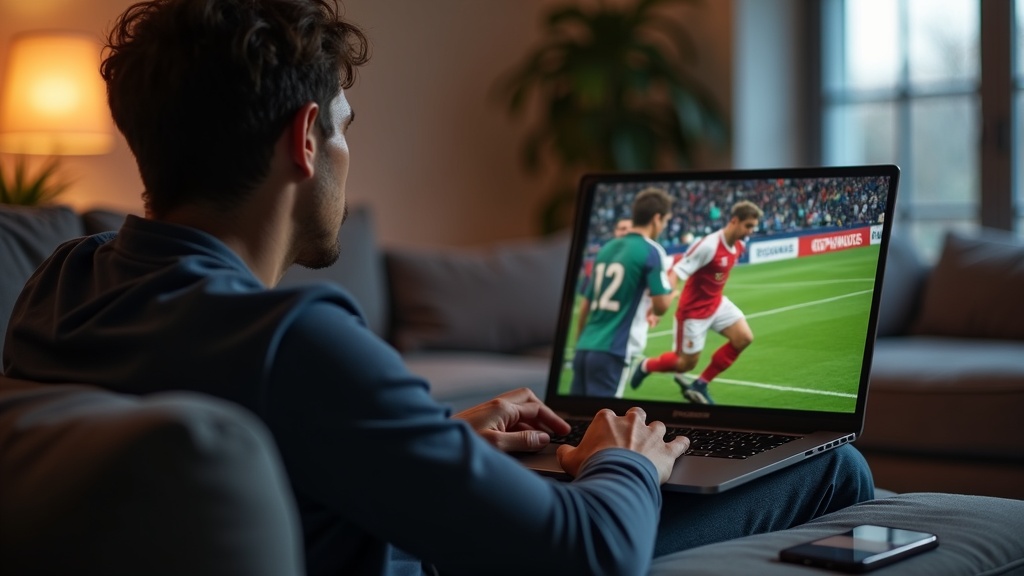
Nothing ruins game day like a blackout message. Whether you're trying to watch NFL Game Pass from abroad or access DAZN's exclusive Premier League coverage, geo-restrictions can turn your screen into a digital brick wall. A VPN solves this by masking your location—letting you stream international sports as if you were in the right country. Here’s how to bypass blackouts safely, without sacrificing speed or breaking the rules.
Why You Need a VPN for Sports Streaming
Sports broadcasters use geo-blocks to enforce regional licensing deals. For example, NFL Game Pass shows only replays in the U.S. but offers live games in Europe. Similarly, DAZN’s content library changes based on your location. A VPN reroutes your connection through servers in other countries, tricking platforms into thinking you’re local.
Key Benefits:
- Bypass blackouts: Watch local games even when they’re blocked in your area.
- Access international feeds: Get better commentary, fewer ads, or alternative camera angles.
- Avoid price discrimination: Some services charge less for subscriptions in certain countries.
How to Choose the Right VPN for Sports
Not all VPNs work with sports platforms. You’ll need one that combines speed, reliability, and stealth to evade detection.
Must-Have Features:
- Server locations: Covering countries where your desired sports service is available (e.g., U.K. for DAZN, Germany for NFL Game Pass).
- Fast speeds: To handle HD or 4K streams without buffering.
- Strong unblocking: Regularly tested to bypass VPN detection on platforms like ESPN+ or Peacock.
Best VPN This Month: NordVPN
With 5,800+ servers in 60 countries, NordVPN consistently unblocks NFL Game Pass, DAZN, and other sports platforms. Its proprietary NordLynx protocol ensures minimal speed loss—critical for lag-free streaming. Try NordVPN risk-free for 30 days.
Step-by-Step: Streaming Sports with a VPN
Follow these steps to watch geo-blocked games:
- Sign up for a VPN that works with your target platform (e.g., ExpressVPN for DAZN).
- Install the VPN app on your device (smartphone, laptop, or router for TVs).
- Connect to a server in the country where your sports service is available (e.g., Canada for NFL Game Pass International).
- Clear your browser cache or restart your streaming app to avoid location leaks.
- Log in to the sports platform and start watching—no blackouts, no errors.
Pro Tip:
If a platform detects your VPN, switch to a different server or enable your VPN’s obfuscation mode (sometimes called “stealth” or “NoBorders”).
Top VPNs for Major Sports Platforms
| Service | Best VPN | Works With |
|---|---|---|
| NFL Game Pass | Surfshark | U.K., Germany, Brazil servers |
| DAZN | ExpressVPN | Canada, Spain, Japan servers |
| ESPN+ | NordVPN | U.S. servers (specific cities) |
Legal and Safety Considerations
Using a VPN to bypass sports blackouts isn’t illegal in most countries, but it may violate a platform’s terms of service. To stay safe:
- Avoid free VPNs: They’re slow, unreliable, and often sell your data.
- Check local laws: Some countries (like China) restrict VPN use entirely.
- Use a no-logs VPN: In case the platform investigates VPN traffic.
For more privacy tips, see our privacy guides.
Final Tips for Buffer-Free Streaming
Maximize your VPN’s performance with these tweaks:
- Use wired connections: Ethernet beats Wi-Fi for stability during live games.
- Pick nearby servers: Lower ping = fewer interruptions.
- Close background apps: Free up bandwidth for smoother streams.
Ready to kick geo-blocks to the curb? NordVPN’s 30-day guarantee lets you test it during a live game—no commitment. For more options, compare our top VPN reviews.





Join the discussion
Have a question or a fix to add? Share it below.