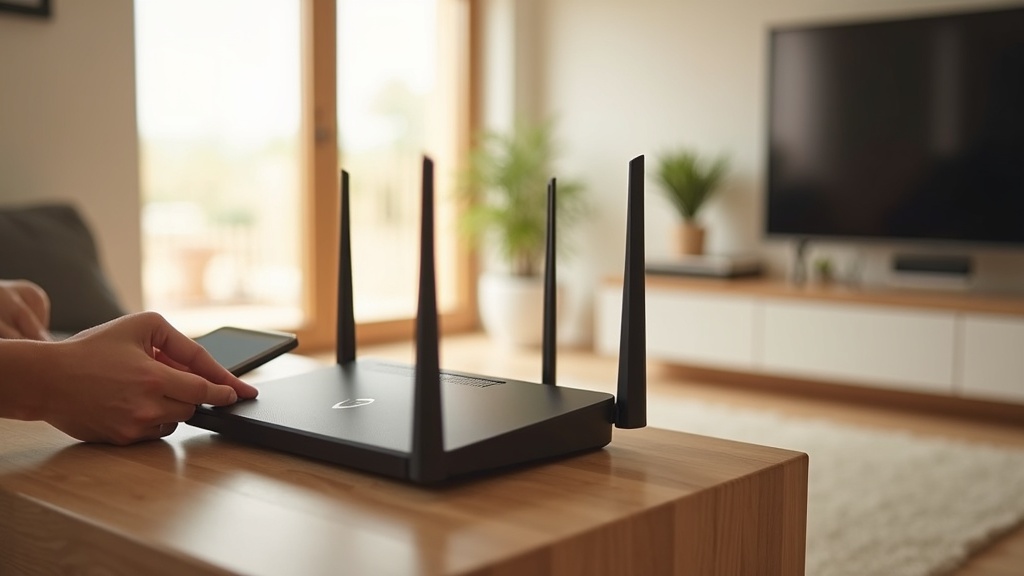
Want to protect every device in your home with a single click? Setting up a VPN on your router in 2025 is easier than you think—no need to install apps on each phone, laptop, or smart TV. This guide walks you through the simple steps to encrypt all your internet traffic at once, plus reveals the fastest VPNs for streaming and privacy this year.
Why Install a VPN on Your Router?
Router-level VPN protection means every device connected to your network—whether it’s a gaming console, security camera, or guest’s phone—gets automatic encryption. Benefits include:
- No more device limits: Bypass VPN provider caps on simultaneous connections.
- Always-on security: Devices like smart TVs (which rarely support VPN apps) stay protected.
- Streaming made easy: Access geo-blocked content on any device without repeated logins.
Check Router Compatibility First
Not all routers support VPNs. You’ll need:
- A VPN-compatible router (most ASUS, Netgear Nighthawk, or TP-Link Archer models work).
- Firmware that supports OpenVPN or WireGuard protocols (like DD-WRT or Tomato).
- Your VPN’s server details (provided in your account dashboard).
Tip: If your router isn’t compatible, consider a pre-configured VPN router for plug-and-play setup.
Step-by-Step Setup Guide (2025)
1. Choose a VPN Provider
For router setups, prioritize:
- Speed: Crucial for 4K streaming and gaming.
- Router support: Look for OpenVPN/WireGuard configuration files.
- No-logs policy: Essential for privacy.
Best VPN this month: NordVPN tops our 2025 tests for router stability and includes streaming-optimized servers.
2. Access Your Router’s Admin Panel
- Type your router’s IP address (e.g., 192.168.1.1) into a browser.
- Log in with admin credentials (check the router’s manual if unsure).
3. Enter VPN Settings
Locate the VPN section (often under “Advanced” or “Security”). Input:
- Server address (from your VPN provider).
- Your VPN username/password.
- Protocol (OpenVPN UDP is fastest for most users).
4. Connect and Test
Save settings, reboot the router, and verify your IP changed using our leak test tool.
Top 3 VPNs for Routers in 2025
| VPN | Router Features | Best For |
|---|---|---|
| ExpressVPN | Pre-configured router app, Lightway protocol | Speed, ease of use |
| Surfshark | Unlimited devices, WireGuard support | Large households |
| Private Internet Access | OpenVPN configurations, port forwarding | Advanced users |
Troubleshooting Common Issues
- Slow speeds? Switch to a closer server or try WireGuard.
- Connection drops? Update your router’s firmware.
- Netflix not working? Use a streaming-optimized VPN.
Take Control of Your Home Network Privacy
A router VPN is the simplest way to blanket your entire home in encryption—no more worrying about individual device settings. For 2025, we recommend NordVPN for its balance of speed and one-click router setup. Ready to start? Compare top providers or check current discounts to lock in savings.





Join the discussion
Have a question or a fix to add? Share it below.